For churches · Step by step
How to build a church website, step by step
7 steps · grounded in 1,734 small-church sites · 2026 study
Building a church website is mostly deciding, not designing. Decide who owns it, pick the tool that matches who will do the work, write five pages, and check it on a phone. Here are the seven steps in order, with what the data says about where churches get stuck.
What it looks like
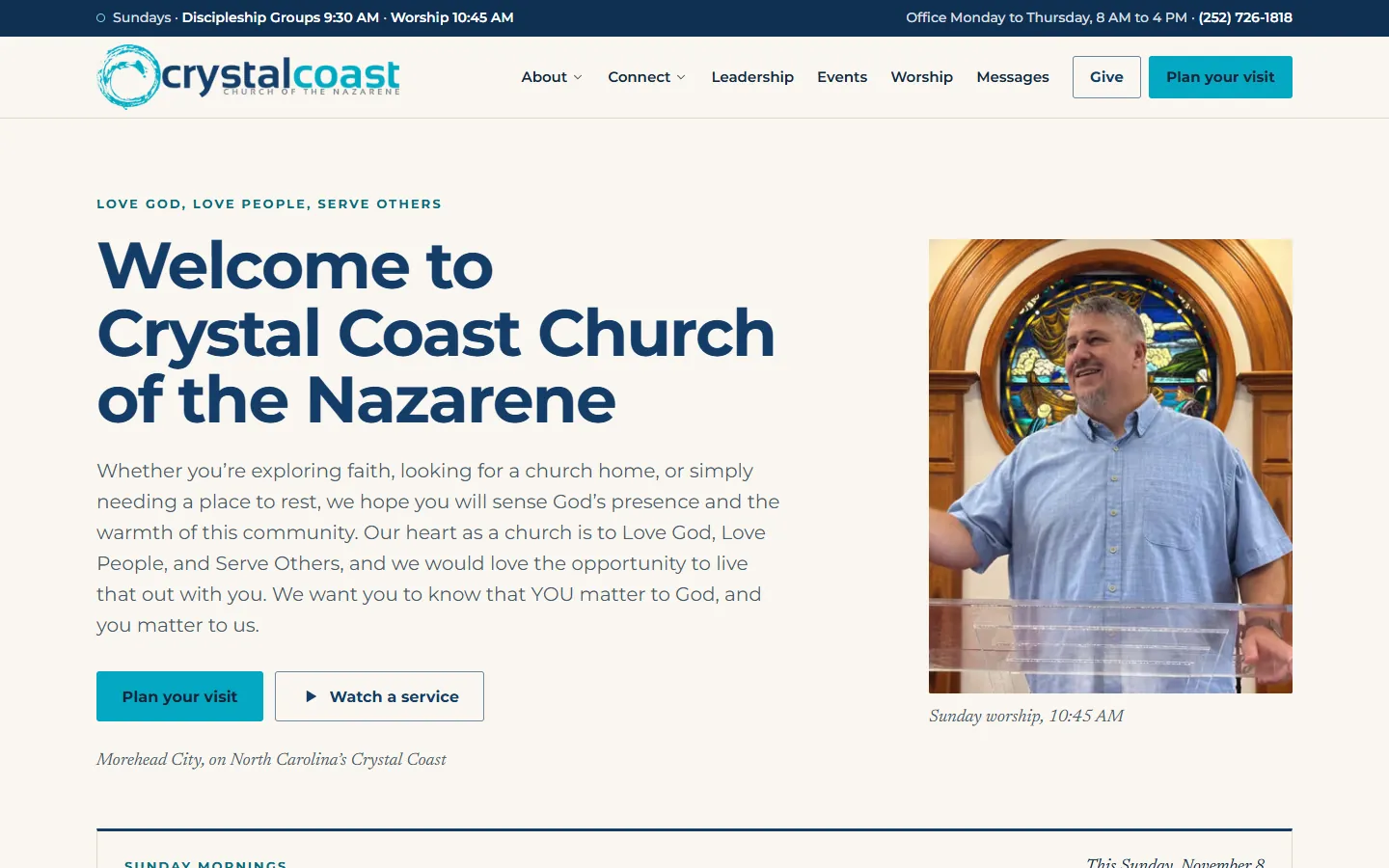
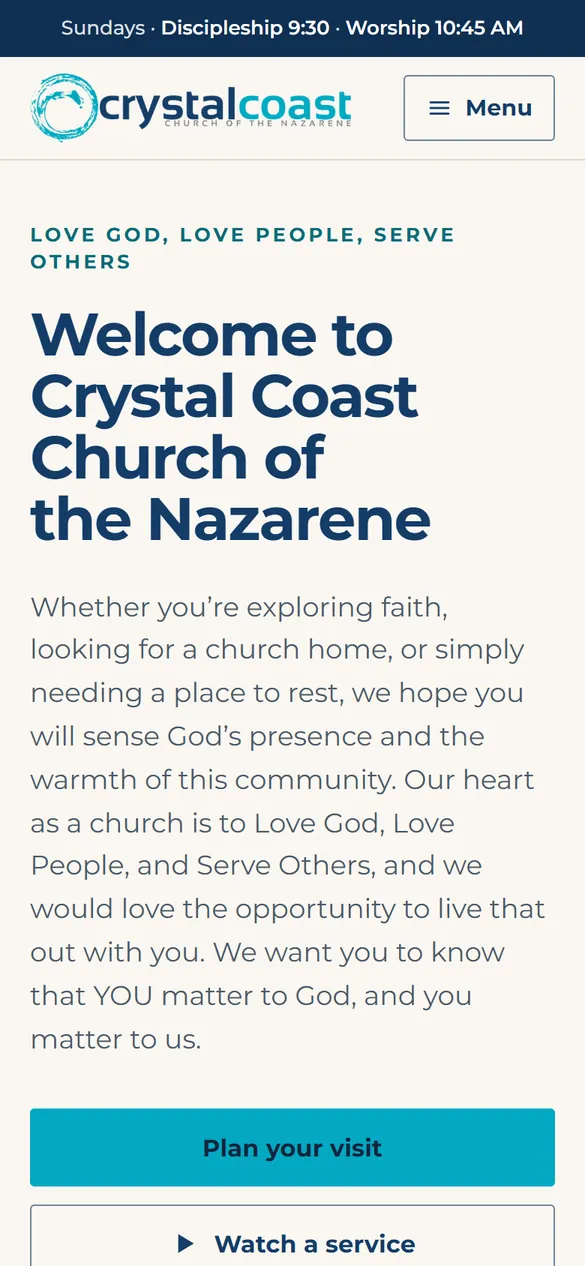
A finished church site, built and kept current for you
$90 a month for as long as you stay (regular $120). No setup fee. Nothing to pay until your site is live.
Custom design, hosting and every update by email. No contract, and a real person replies within one business day.
Before you build
Steps 1 and 2: settle who owns it and who will do the work
Step 1. Put the domain in the church's name
Register yourchurch.org (about $10 to $20 a year) in a registrar account tied to a church email that at least two people can open. Not the pastor's personal Gmail, not the volunteer's account. Every other choice on this page can be undone later. A lost domain often cannot.
Step 2. Name the person who will update it
This decides the tool. Our 2026 study of 1,734 small-church websites found 72.8% had been updated within the year, which means roughly one in four had not. A site goes stale when nobody owns it, whatever it was built on.
Step 3
Choose how to build it: four honest options
Pick by who does the work, not by the template you like best. The study numbers below are what we observed on live church sites built on each tool. Correlation, not causation: the tool does not update the site, a person does.
A general builder, about $17 to $19 a month
Squarespace or Wix entry plans billed annually (vendor pricing pages, checked November 10, 2026). Easy to edit, hosting included, no church features. In the study, 91.4% of the 198 Squarespace church sites and 77.1% of the 245 Wix church sites had been updated within the year.
A church-specific builder, from about $19 a month
Tithe.ly Sites, The Church Co, Nucleus, ChurchSpring and others, as published. Giving, sermons and events are built in on most plans. You still write the pages and keep them current.
WordPress, free software plus hosting
Hosting runs roughly $5 to $30 a month at introductory rates (observed 2026-08-19). The most flexible option and the most upkeep: someone has to keep plugins and the theme current. In the study, 73.3% of the 277 self-hosted WordPress church sites had been updated within the year.
Built for you, $120 a month flat
Church Digital designs, hosts and updates the site: $120 a month flat, no setup fee, no contract, and the founding rate makes it $90 a month for as long as you stay. The right call when nobody on the team wants to be the website person.
Steps 4 and 5
Write five pages, and put the answer on the first screen
Step 4. Home
Service times and the address in the first screen on a phone, as text. In the study 83.9% of small-church sites had findable service times, so about one in six made a guest hunt for when to show up.
Plan Your Visit
How long the service runs, what people wear, where kids go, where to park, and a simple way to say you are coming. This is the page a first-time guest reads most carefully.
About
What you believe in plain sentences, and the pastor's name with a real photo. Real photos of your own people do more than any stock image.
Sermons or Watch
A link to wherever the services already live, such as YouTube or Facebook. Do not build an archive before you have the habit of posting to it.
Step 5. Give
One Give button that opens a working giving page on a phone. Only 64.2% of small-church sites in the study had a giving path that worked when we followed it. Tap yours on a phone before you launch.
Contact
Address, phone, an email somebody reads, and a map. Put the same details in the footer of every page.
Steps 6 and 7
Launch it, then keep it alive
Step 6. Check it the way a guest would
Open it on a phone, not the laptop you built it on. Can you find the service time in ten seconds? Does the Give button work? Does the address open in Maps? 93.4% of small-church sites in the study were set up for mobile, so the bar is being usable, not merely loading.
Point Google at it
Add the website address to the church's Google Business Profile and make sure the name, address and service times match the site exactly. People searching for a church nearby often see that profile before they see the website.
Step 7. Put updates on the calendar
Ten minutes a week: this Sunday's details, the next event, anything that has passed taken down. A homepage still advertising last Easter tells a guest nobody is home.
Write down the logins
Domain, website, giving platform and Google profile, in a shared church record. The most common way a church loses its website is a volunteer leaving with the only password.
Common questions
Questions churches ask
- How do I build a church website for free?
- A builder's free tier or WordPress on donated hosting will get a site online. Expect a subdomain or ads on free tiers, no church features, and all of the work on a volunteer. It is a reasonable placeholder for a new plant. For the site people find when they search for a church, a paid plan with your own domain is worth the small monthly cost.
- What is the easiest way to build a church website?
- A general builder like Squarespace or Wix, or a church-specific builder with giving and sermons built in, is the easiest to do yourself. The easiest overall is to have it built and kept current for you, which is what Church Digital does for $120 a month flat with no setup fee.
- What pages does a church website need?
- Five: Home with service times and address, Plan Your Visit, About with beliefs and the pastor, Sermons or Watch, and Give, plus contact details on every page. Add ministries, events and a blog only when there is real content to keep them current.
- How much does it cost to build a church website?
- Doing it yourself, about $17 to $19 a month on a general builder billed annually, or from about $19 a month on a church-specific builder. Across the 1,010 church websites in the study whose platform publishes a price, the median visible spend was $16 a month. Built for you with hosting and updates included, $120 a month flat.
- Should a church use WordPress, Wix or Squarespace?
- All three can make a good church website. In the study, 91.4% of Squarespace church sites, 77.1% of Wix church sites and 73.3% of self-hosted WordPress church sites had been updated within the year. Correlation, not causation. Choose the one your volunteer already knows, because the person matters more than the platform.
- Can a volunteer build a church website?
- Yes, and many good church websites are volunteer-built. Protect the church by keeping the domain and every login in church-owned accounts, and decide now who takes over when that volunteer steps back.
Rather not build it yourself
Send what you have and see your homepage before you decide
We record a free four-minute review of your current site, or show you a homepage concept built from your own words and photos. No pitch, no call required.
Go deeper