For churches · Maintenance
Church website maintenance: what it covers, what it takes, and who should do it
Weekly to yearly jobs · three ways to cover them
A church website is not finished on launch day. Service times change, staff come and go, events end, and the software underneath needs updates. Maintenance is the work of keeping all of that correct. Here is what the work is, how often it comes up, and the three ways churches cover it.
What it looks like
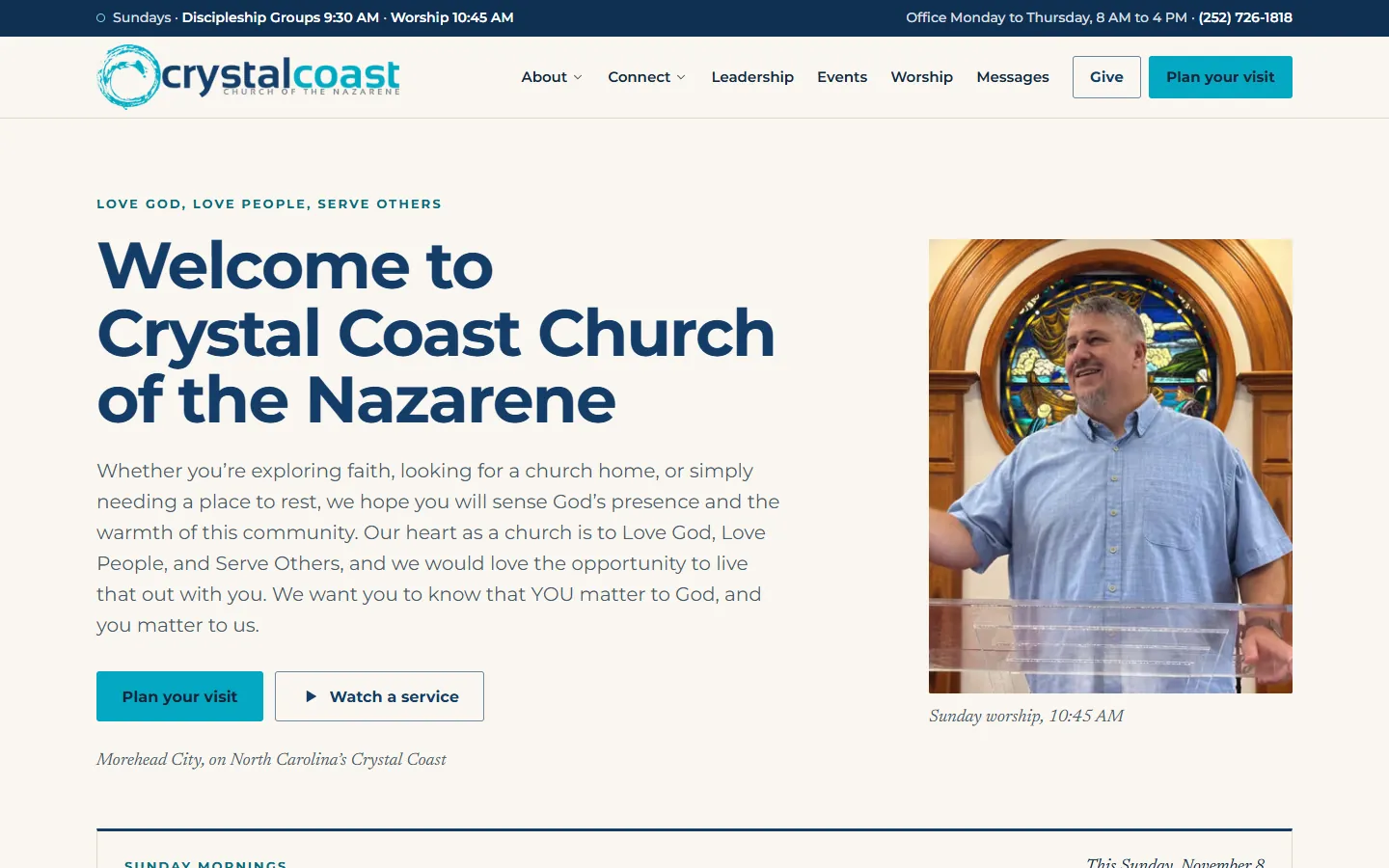
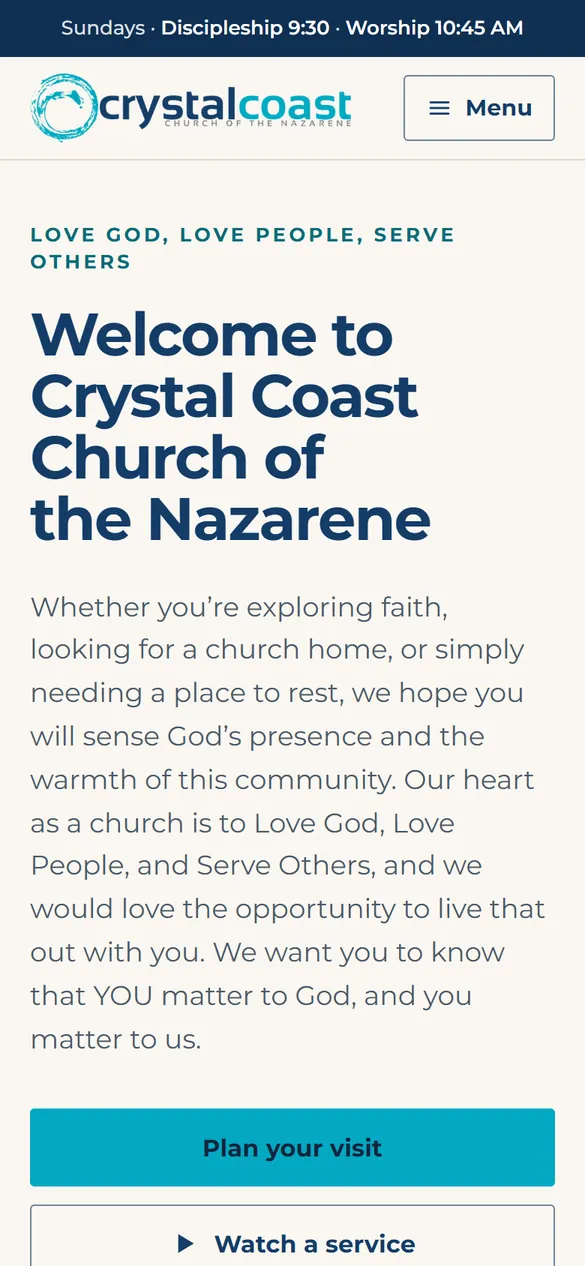
A finished church site, built and kept current for you
$90 a month for as long as you stay (regular $120). No setup fee. Nothing to pay until your site is live.
Custom design, hosting and every update by email. No contract, and a real person replies within one business day.
The work
What church website maintenance covers
Content that changes
Service times, holiday schedules, staff, events and the latest sermon. This is most of the work, and it is the part a first-time guest sees.
The give link
Giving pages move when a church changes platforms. Our 2026 study of 1,734 small-church websites found a working giving link on 64.2% of sites (full data at /research), so test yours with a real click every month.
Software updates
On WordPress, the core, the theme and every plugin need updates, and an update can break a page. Hosted builders such as Squarespace and Wix handle that part for you.
Backups
A copy of the site you can restore from. A self-hosted WordPress site needs a backup you set up and test. On a hosted builder, ask what you can restore yourself.
Domain and security certificate renewals
The domain renews every year and the certificate behind the padlock must stay valid. A lapsed domain can take the site and the church email down together.
Speed and broken links
Large photos and old embeds slow a site down over time. Links to past events and former platforms break quietly.
The Google listing
Hours, address and website link on your Google Business Profile should match the site. Guests often see the listing first.
The schedule
A maintenance schedule a small church can keep
The risk is drift. Our 2026 study of 1,734 small-church websites found signs of an update within the past year on 72.8% of sites. The rest showed none.
Every week
On a phone, confirm the service time, the address and the give link. Add this week's events and take down the ones that ended.
Every month
Click every link in the menu, send a test message through the contact form, open the giving page, and run software updates if the site is on WordPress.
Every quarter
Review the staff and ministry pages, replace dated photos, and compare the Google listing with the homepage.
Every year
Confirm who owns the domain and when it renews, check that two people hold every login, and reread the homepage as a first-time guest would.
Who does it
Three ways to cover church website maintenance
A volunteer
Free, and it works for as long as that person stays. Write the schedule down, keep the logins in a church account, and name a second person.
A maintenance plan from a freelancer or an agency
Usually a monthly retainer for updates, backups and a set number of content changes. Ask what counts as a change, how fast changes go live, and what happens to the site if you cancel.
A site that is run for you
Church Digital builds the site and then keeps it current for $120 a month flat, no setup fee, no contract, and the founding rate makes it $90 a month for as long as you stay. Hosting, the security certificate and every content update are part of the plan. Most routine updates go live the same business day, and you’ll always hear back within one business day.
Cost
What church website maintenance costs
A volunteer costs nothing in dollars and a few hours a month in time. The real cost shows up when the volunteer moves on and nobody knows the logins.
On a general builder the software side is inside the plan, from about $17 a month billed annually (vendor pricing pages, checked November 10, 2026). The content updates are still yours to do.
A freelancer or agency retainer varies, so get the price and what it covers in writing. Church Digital is $120 a month flat with no setup fee and no contract, and the updates are done for you.
Common questions
Questions churches ask
- What does church website maintenance include?
- Keeping content correct (service times, staff, events, sermons), testing the give link and the forms, software updates and backups where the platform needs them, domain and security certificate renewals, and keeping the Google listing in step with the site.
- How much time does church website maintenance take?
- Our estimate for a small church on a hosted builder is a few minutes a week and about an hour a month once the routine exists. A WordPress site adds time for updates and backups. The first pass takes longer.
- How much does church website maintenance cost?
- A volunteer is free. Freelancers and agencies usually charge a monthly retainer, so ask for the price and what it covers in writing. Church Digital includes maintenance and content updates in its $120 a month website plan, with no setup fee and no contract, or $90 a month at the founding rate.
- Do you maintain a church website you did not build?
- No. We rebuild the site ourselves from your existing content and then maintain that one. It is how we can promise fast updates at a flat price. Your domain stays in your own account.
More comparisons and guides
- Clover Sites alternative
- Faithlife Sites alternative
- Sharefaith alternative
- Church Plant Media alternative
- Tithe.ly Sites alternative
- Subsplash alternative
- The Church Co alternative
- Church Digital vs ReachRight
- Church Digital vs Ministry Designs
- Church Digital vs Nucleus
- Church Digital vs OurChurch.com
- Church Digital vs Subsplash
- Church Digital vs The Church Co
- GoDaddy for church websites
- Church website companies compared
- When the website volunteer leaves
- Baptist church websites
- Google Ad Grants for churches
- Church website cost in 2026
- Church SEO for small churches
- Pushpay alternatives
Tired of keeping it up
Send your site and see what we would fix first
A free four-minute review of your homepage as a first-time guest sees it: what is out of date, what is broken, and what we would change. No pitch, no call required.
Go deeper